You do not need to carry a physical tarot deck to do a reading. With Deck Builder you can shuffle, draw, and lay out cards for a tarot or oracle reading right on your phone, with real randomness and authentic reversed cards. You can even scan in the physical deck you already own. Here is how.
Why a digital deck works for tarot
A good tarot reading needs three things, and a digital deck can do all of them:
- A genuine shuffle. Deck Builder uses realistic shuffling algorithms, so the order is truly randomized, not a fixed sequence.
- Reversed (upside-down) cards. Card orientation carries meaning in tarot. Deck Builder’s Tarot Mode randomly reverses cards as you shuffle, so an upright or reversed draw is left to chance, just like a physical deck.
- Spreads. You can draw as many cards as your spread needs and lay them out to read in order.
Step 1: Get your tarot deck into the app
Create a new deck, then add your cards one of three ways:
- Import images of each card from your photo gallery.
- Scan the cards with your camera to digitize a physical deck you already own.
- Design your own cards in the app for a custom or oracle deck.
This means you can use the exact deck you love, whether Rider-Waite, Marseille, a modern indie deck, or your own oracle cards, rather than being stuck with someone else’s art.
Step 2: Turn on Tarot Mode
Open your deck, go to its Settings, and turn on Enable Tarot Mode.
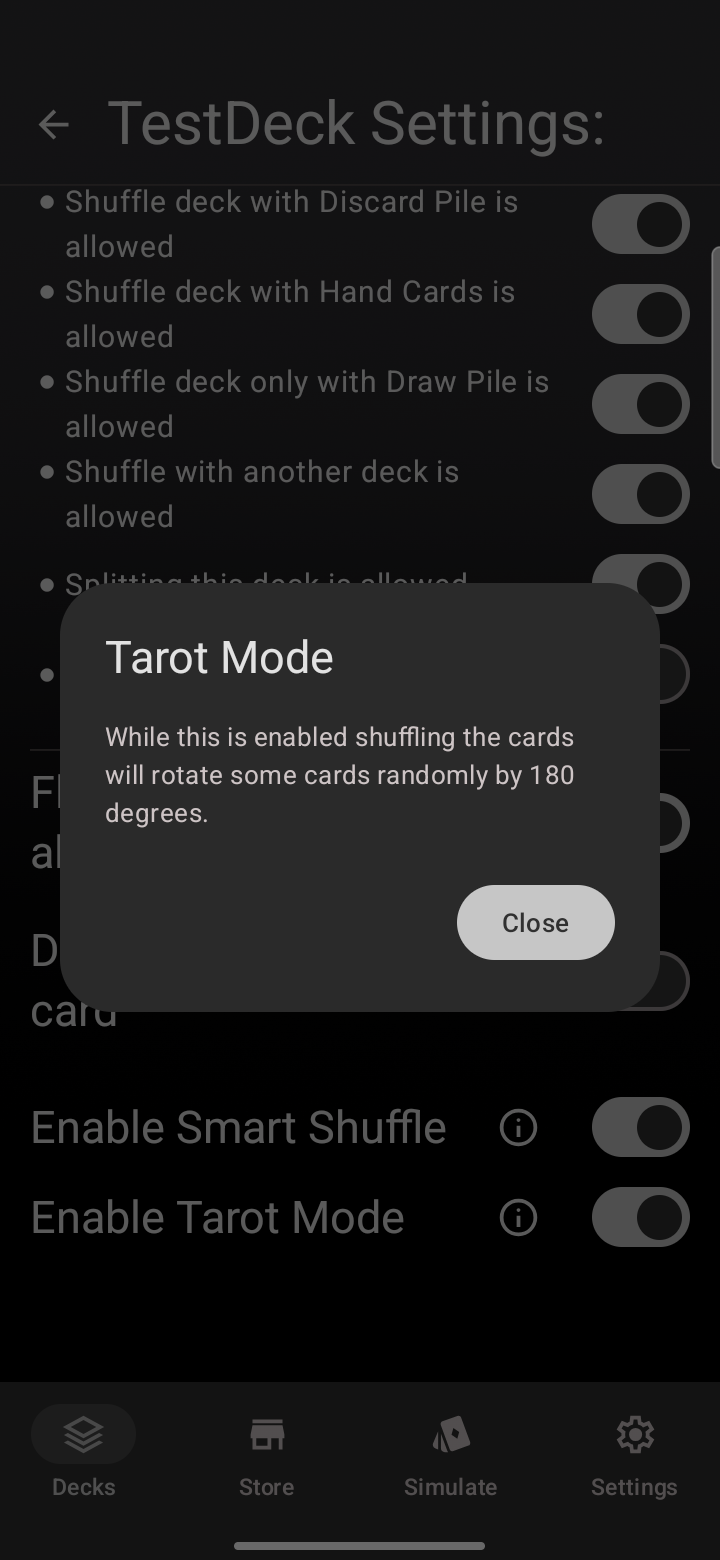
With this on, every shuffle randomly rotates some cards 180 degrees. That is what gives you real reversed cards in your reading instead of every card landing upright.
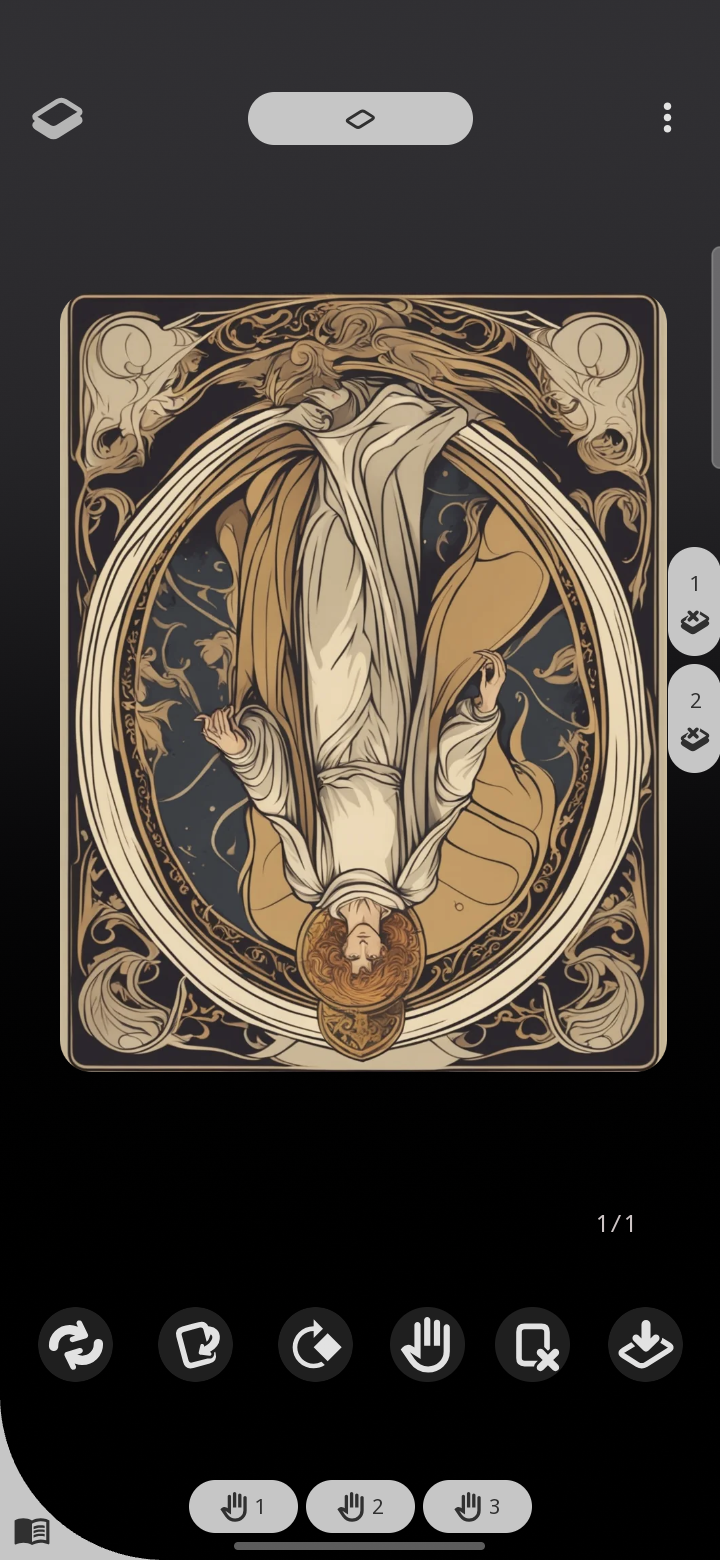
Step 3: Shuffle and draw your spread
- Start a simulation for the deck from the Simulate tab.
- Shuffle the deck. Take a breath and focus on your question while you do.
- Draw one card at a time for your spread, and read each in the position it lands, upright or reversed.
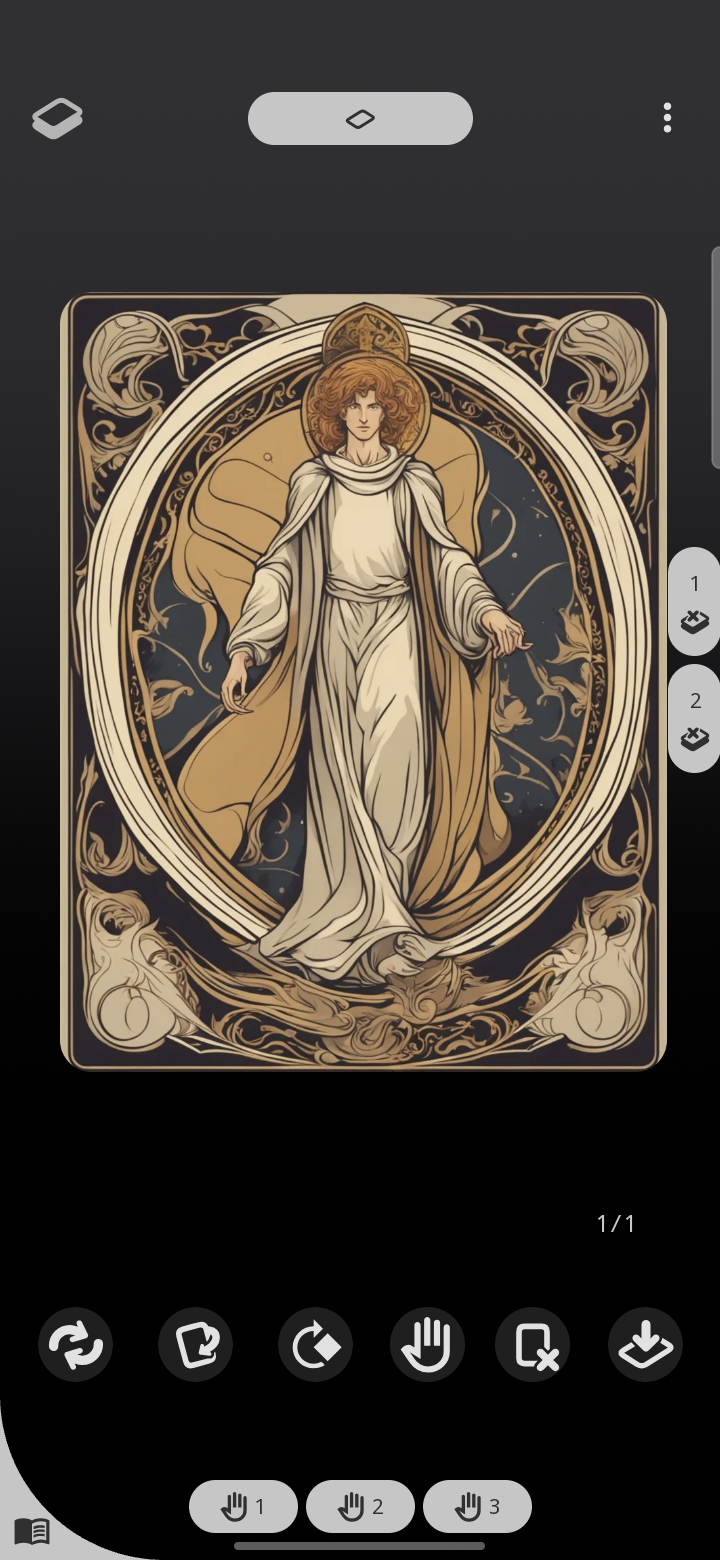
A few spreads to start with:
- One card for a quick daily pull.
- Three cards for past, present, and future (or situation, action, outcome).
- Ten cards for a full Celtic Cross when you want to go deep.
Read your own way
Because the deck is just cards, nothing forces a particular meaning on you. Draw, look at each card and its orientation, and interpret it with whatever tradition or intuition you follow. When you are done, shuffle again for the next querent; your deck is always ready and never out of order.
Everything stays private and offline
Your decks live on your device and work offline, so you can read anywhere, on a trip, at a table, or curled up on the couch, with no signal required and nothing shared unless you choose to.
