Deck Builder has always had one look per color setting. With 3.9.0, Pro subscribers can pick between four complete themes that restyle the whole app, from the navigation bar to every gradient background. This guide shows you what each one looks like and how to switch.
What the themes are
- Onyx pairs a near-black surface with warm gold accents. It is the most dramatic of the four and the one to pick if you want the app to disappear behind your decks. It comes with a full light mode too: warm paper tones instead of black.
- Emerald is built around deep greens. In dark mode the background is a dark forest gradient with mint accents; in light mode it is fresh and airy.
- Amethyst leans purple: violet accents over a cool dark base, and a soft lavender light variant.
- Rainbow replaces the app’s gradient background with a full multi-color spectrum that shifts through purple, blue, teal, green, pink and red as you scroll. It is the loudest of the four and unapologetically so.
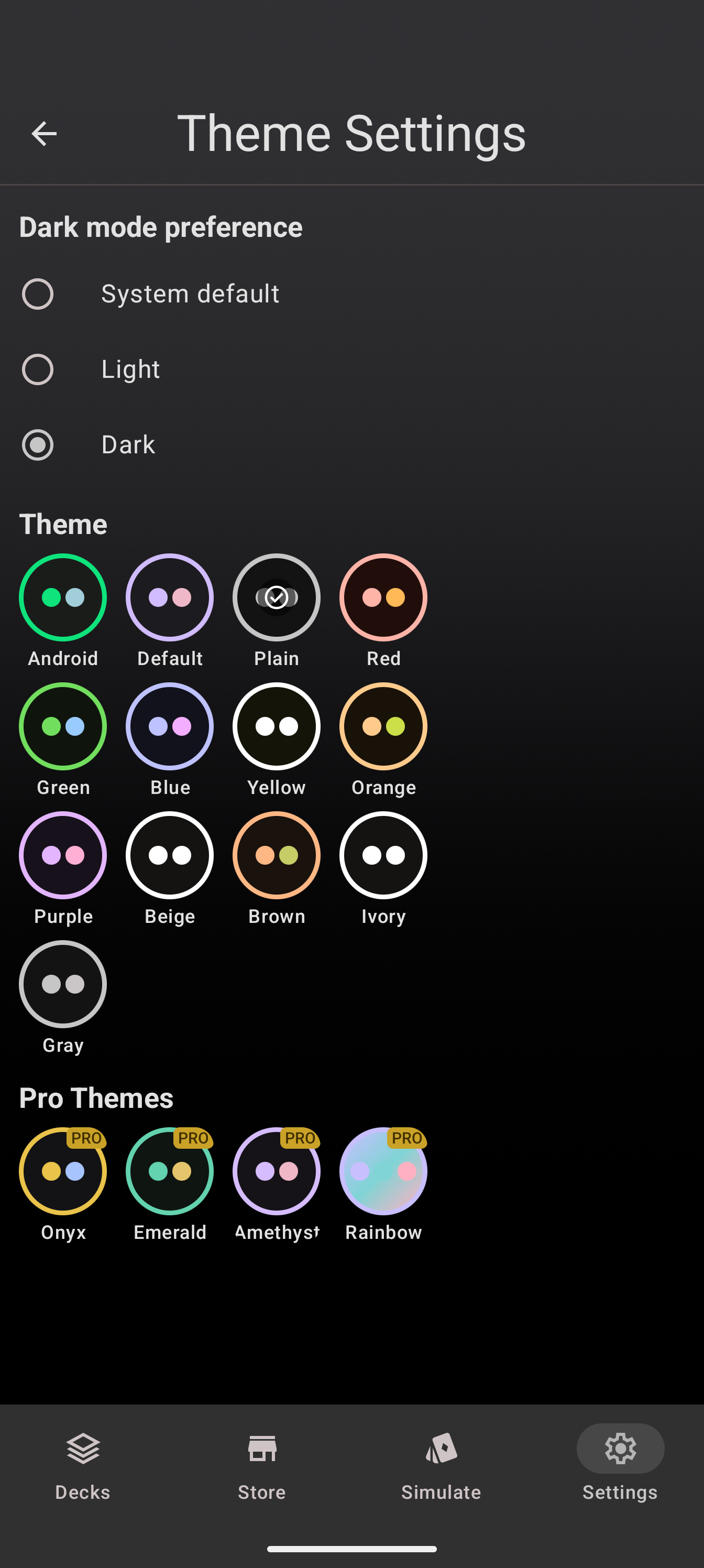
Each theme shows up in Settings as a swatch chip with two dots previewing its palette, so you can see what you are choosing before you tap.
How to switch themes
- Open Settings from the bottom navigation.
- Tap Theme.
- Scroll down to the Pro Themes section.
- Tap the theme you want. The change applies immediately, everywhere.
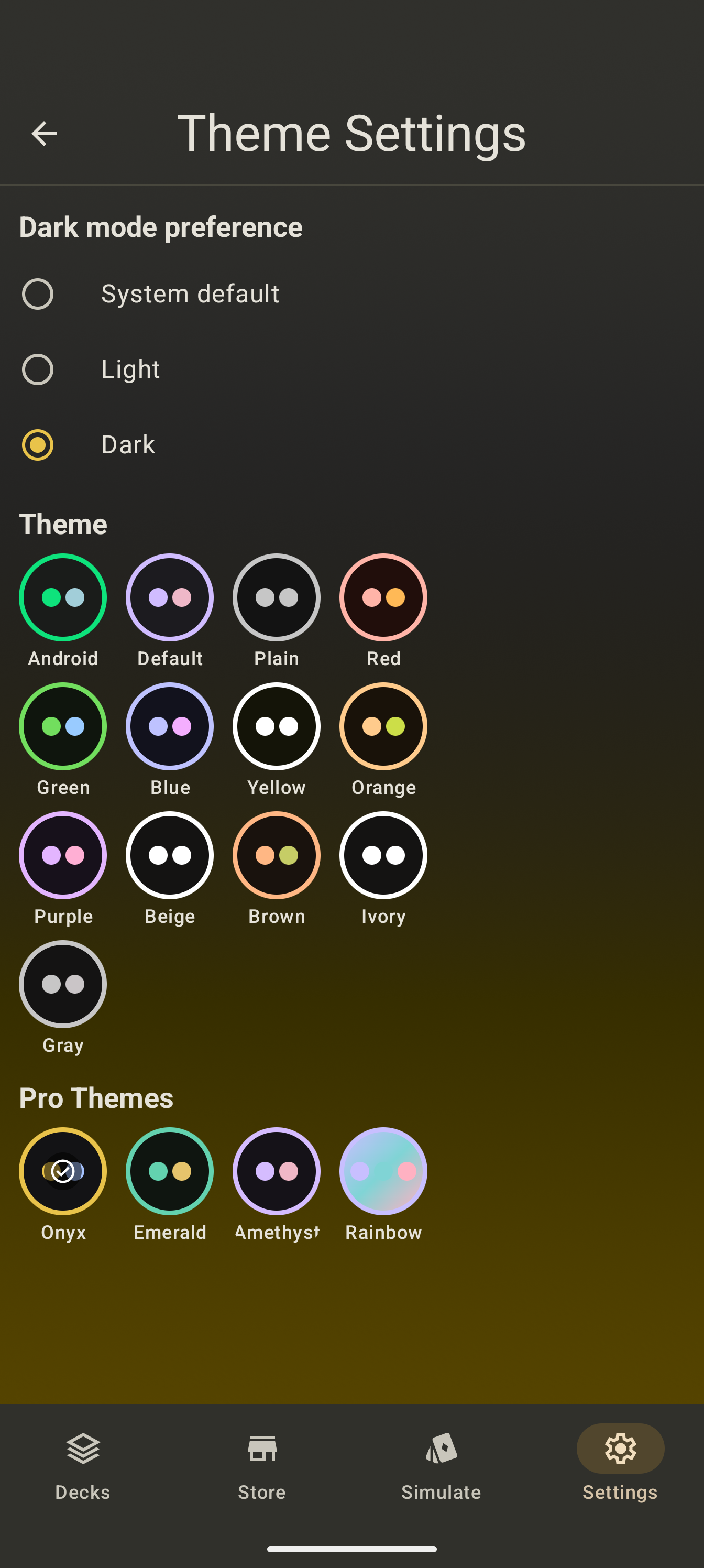
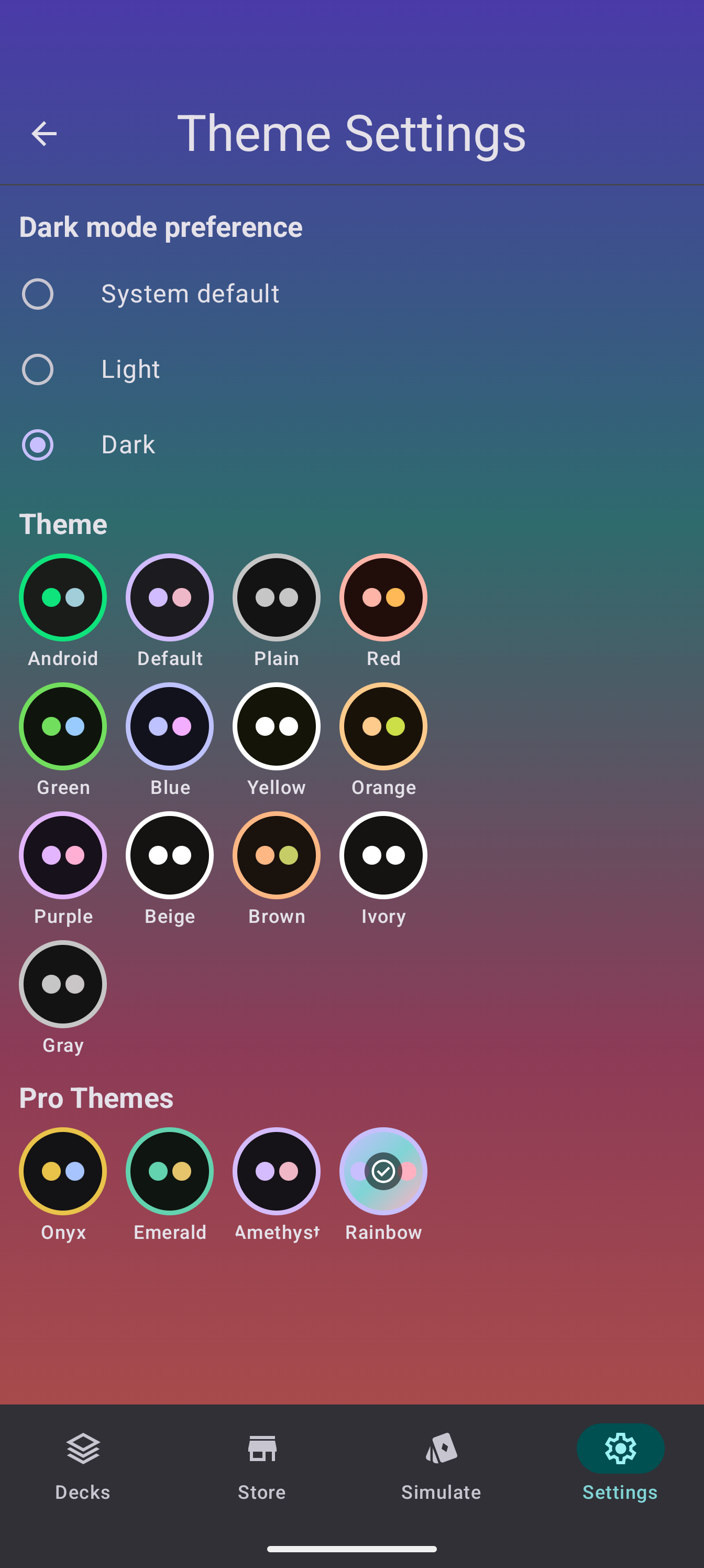
Dark mode stays where it is: if you follow the system setting, the theme switches between its light and dark variant automatically. The two settings are independent, so Onyx dark and Onyx light are both one tap away.
What happens without Pro
Tapping a Pro theme without an active subscription opens the paywall. Nothing changes until you subscribe. If your subscription lapses later, the app falls back to the plain theme on the next launch instead of keeping a paid perk around, and switching back to a Pro theme once you resubscribe is the same one tap.
The same themes on the web
The themes are not an Android-only feature. The web app at app.deckbuilderapp.app mirrors all four Pro themes with the same swatch chips and the same gate, and a Pro subscription follows your account, so one subscription themes both platforms.
Going further
- Theme settings live in Settings → Theme, next to dark mode and dynamic color.
- Questions or a theme you would like to see next? The Discord has a channel for that.
