Sometimes you need to turn one deck into several smaller piles: to deal starting hands, set up an encounter, or share a pile with another player. Deck Builder can split a deck’s draw pile into as many pieces as you like during a simulation. Here is how.
Split a deck during a simulation
- Start a simulation for your deck from the Simulate tab.
- Tap the three-dot (⋮) menu in the top-right of the deck.
- Choose Split deck.
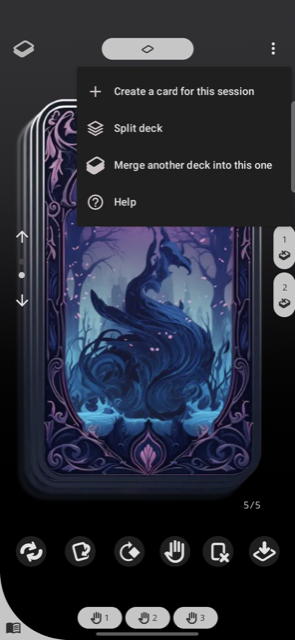
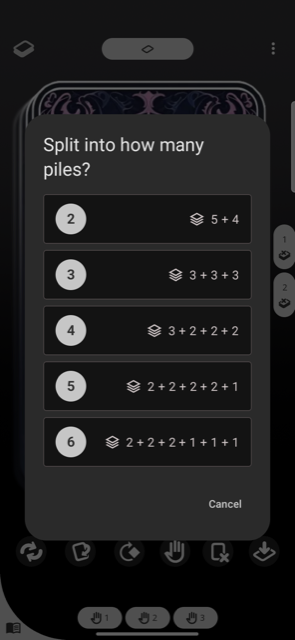
- Pick how many piles you want. Each option previews the resulting pile sizes (for example
5 + 4), so you know exactly what you will get. - Confirm. The draw pile is divided into that many piles, each shown as its own page you can swipe between.
By default the cards keep their current order; you can enable shuffle on split in the deck settings if you would rather randomize each pile.
Putting the pieces back together
Changed your mind? You can merge any of the pieces back together from the same three-dot menu, see “How do I merge two decks in Deck Builder?”. A split is also remembered when you reopen the session, so your piles are exactly where you left them.
Requirements
Splitting needs a draw pile of at least two cards, and the Split deck option must be enabled in the deck’s settings.
